
Equip the book and open an entry
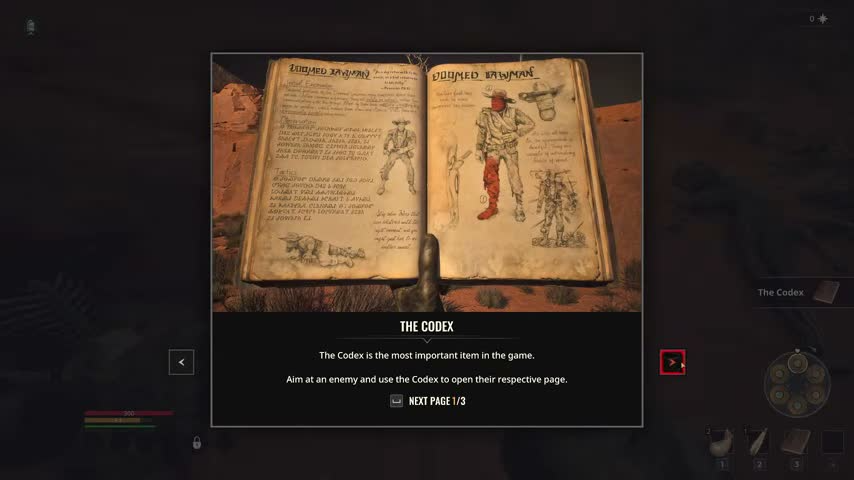
- Collect the book in the tutorial. The Codex pickup card appears.
- Look for the book icon at the bottom right and press the number shown beneath it. The tutorial layout uses 3. If you changed the slots, follow the number on your HUD.
- Hold the book toward an enemy or corpse. The entry changes with the target. Right-click to open the full two-page spread, then use its contents to find an entry.
Travel to Hounds’ Camp
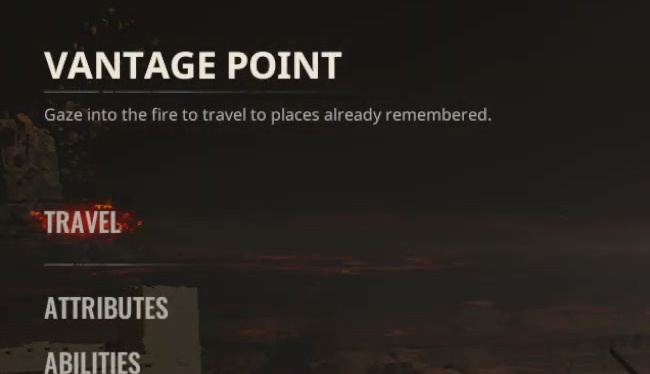
At a bonfire, select Travel. The Vantage Point menu below shows the option highlighted.
Select Hounds’ Camp in the destination list. In the October demo shown below, it appears under Remnants.
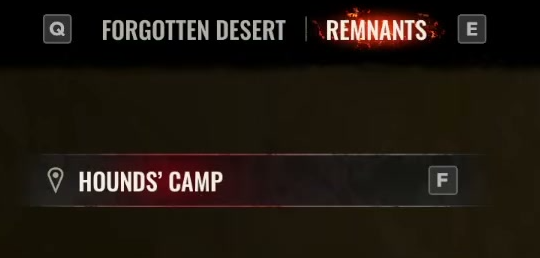
Hotfix 3 moved Hounds’ Camp to the first destination. From Hotfix 5, make your first visit to the camp to unlock the other bonfire functions. Meeting the Sheriff at a tent does not complete that visit.
At the archetype shop you can buy additional passives. For example, the Sheriff has a passive that changes Quick and the Dead. You can return to the bonfire after shopping.